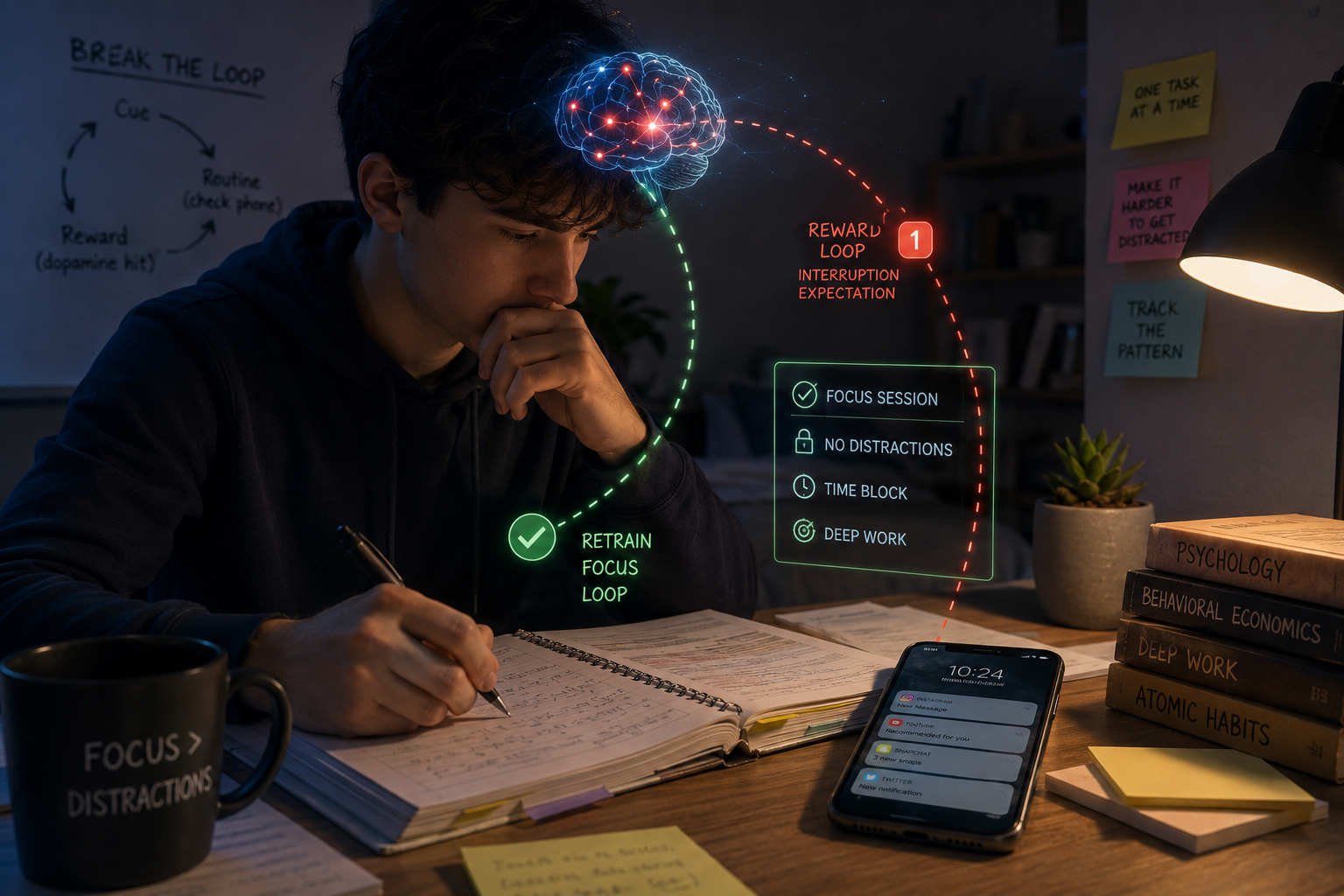
Most advice about phone addiction assumes you’re willing to go to extremes — delete social media entirely, buy a dumbphone, disappear for a digital detox weekend. As a student who still needs my phone for group chats, the campus bus app, and actually talking to friends, that advice was mostly unusable for me. I didn’t need to go extreme. I needed to be selective.
The real problem for me wasn’t “using my phone” — it was undirected use
I never burned three hours a day on a maps app or a banking app. The time disappeared into apps specifically engineered to be hard to put down — infinite feeds, autoplay, algorithmic recommendations tuned to keep me scrolling one more minute. Digital minimalism, done well, isn’t about touching your phone less in general. It’s about being ruthless with the handful of apps actually responsible for the time loss, and leaving the rest alone.
The practical version I actually built for myself
Step 1: I found the actual culprits. I checked my screen time breakdown for the last week. About 80% of it came from two or three apps. Everything else was noise. I wasn’t fixing a “phone problem” — I was fixing a two-or-three-app problem.
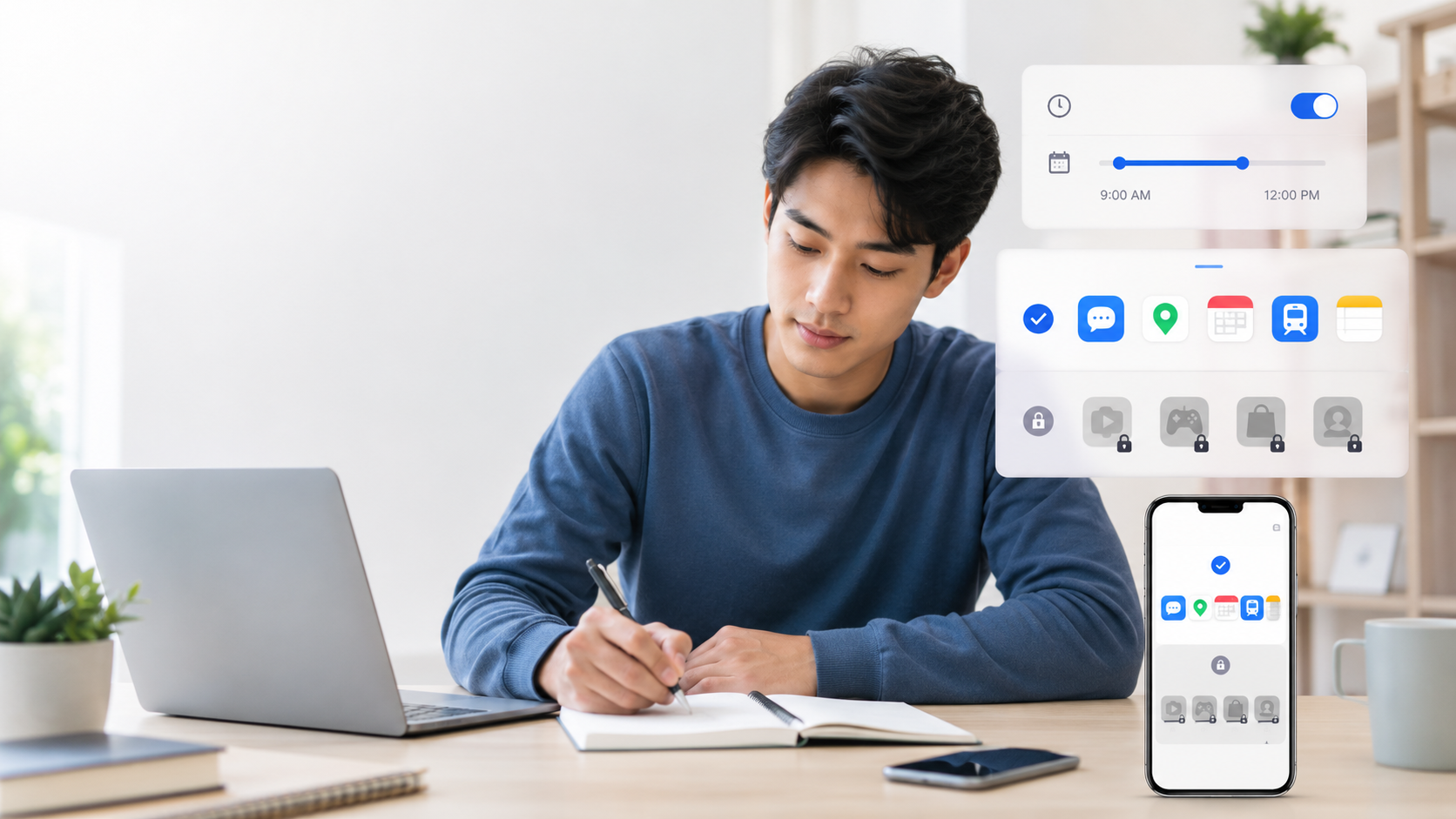
Step 2: I separated “need access” from “need unrestricted access.” I do need the group chat app. I don’t need it open and refreshable at 11pm while I’m supposed to be reviewing notes for the next morning. The fix wasn’t deleting it — it was restricting when it’s available, not whether it exists on my phone.
Step 3: I built friction, not prohibition. Total bans failed for me because they create a forbidden-fruit effect and get quietly worked around. Time-boxed blocking — the app is simply unavailable during my study window, and automatically available again after — removed the willpower requirement without making me feel cut off from my life.
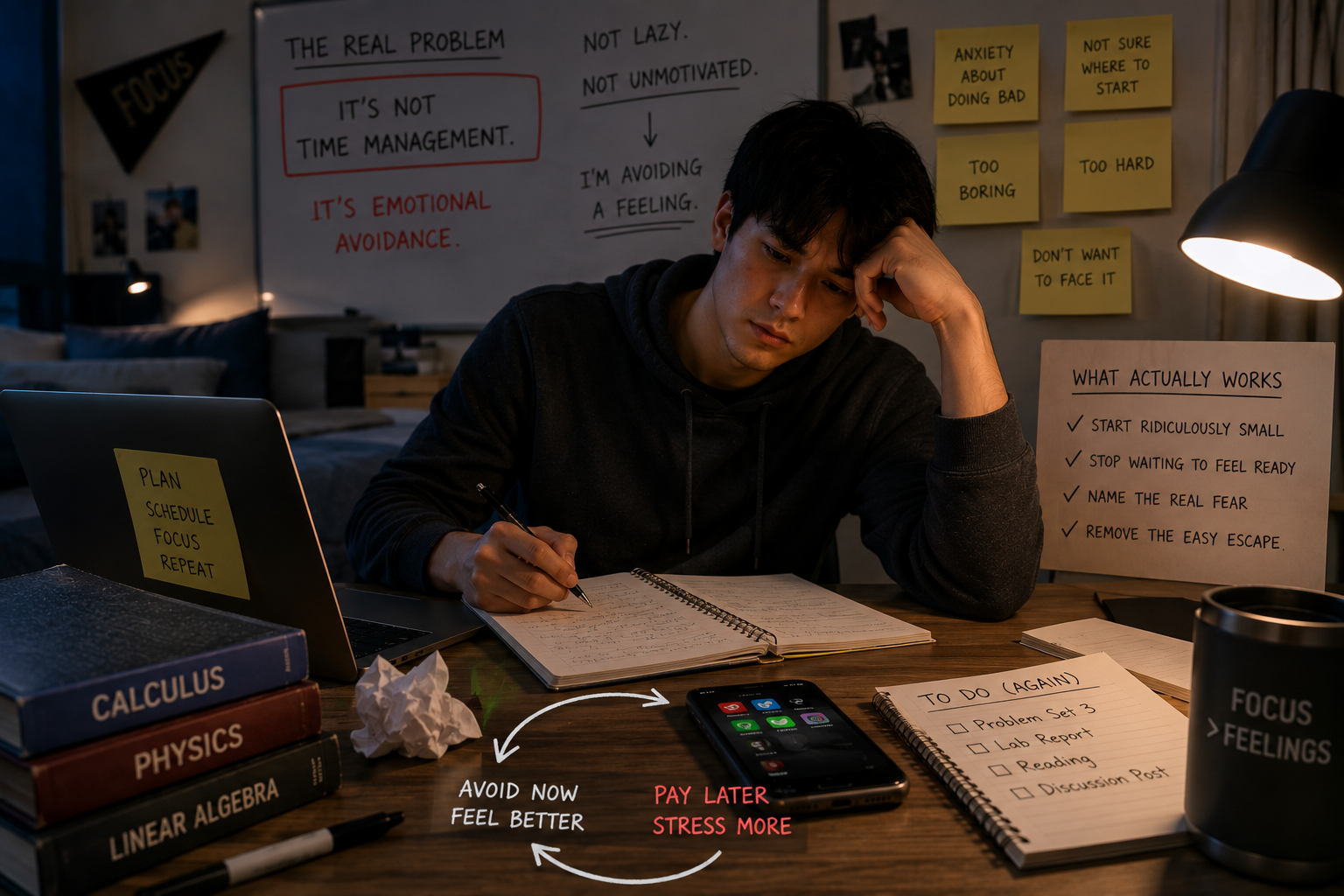
Step 4: I made the default state the one I wanted. Willpower is a bad long-term strategy because it runs out, especially by week 10 of a semester. A phone that blocks distracting apps automatically during study hours means I don’t have to decide, in the moment, whether to open the app — the decision was already made when I was thinking clearly, not when I was tired and looking for an excuse to procrastinate.
Minimalism that works with my life, not against it
The goal for me was never a phone with nothing on it. It was a phone that doesn’t fight me during the hours that matter. That turned out to be a blocking and incentive problem, not a self-discipline problem — and it’s exactly the problem I built Icarus AI around.
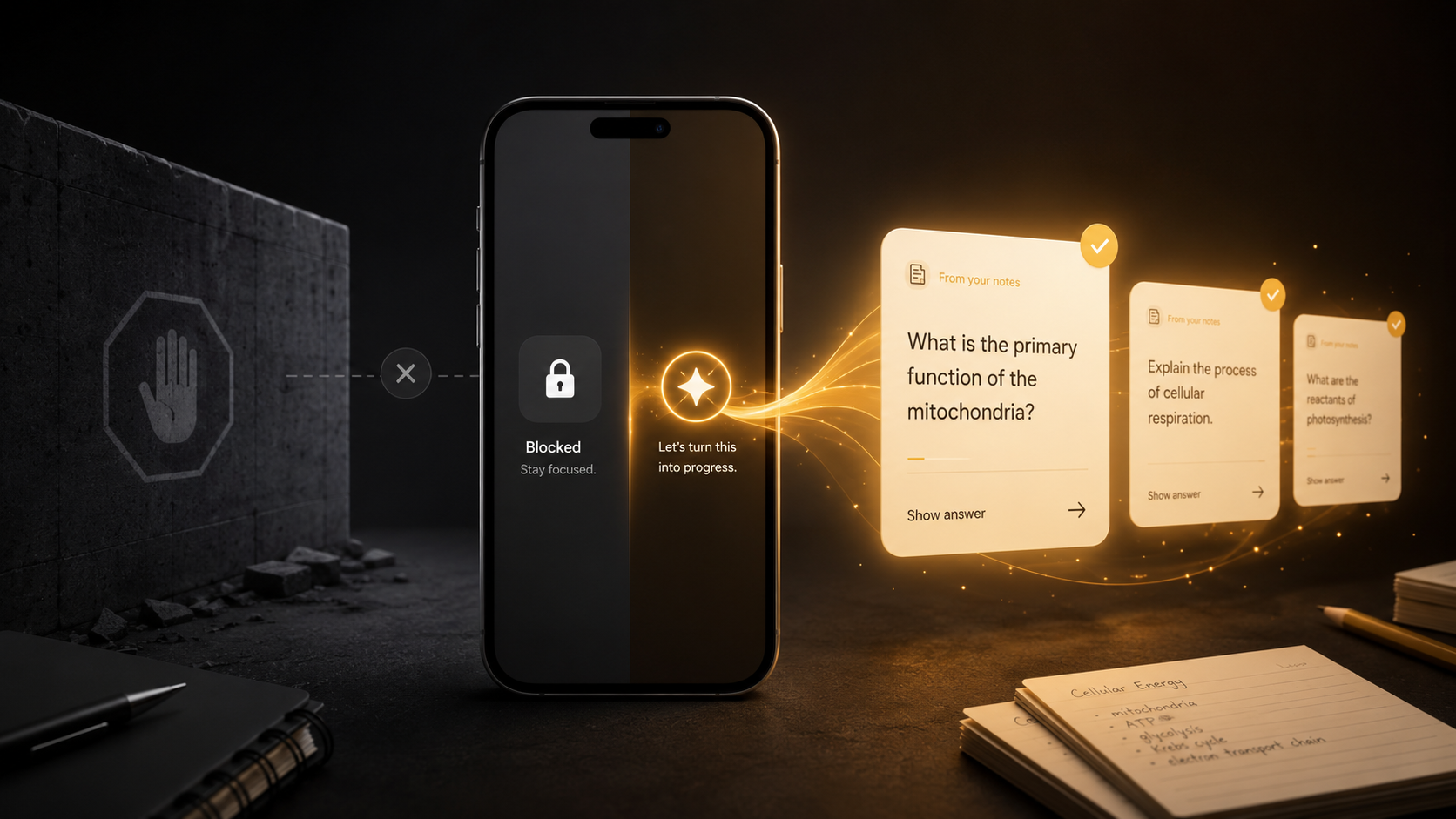
Icarus is the selective version of digital minimalism, automated. I chose the two or three apps that actually ate my time — nothing gets deleted — and picked a blocking intensity, Easy, Medium, or Hard, that sets how many questions in a row I need to get right to unlock one again. During my study windows, those apps stay shielded. But instead of a flat ban, which triggers that forbidden-fruit effect I kept working around, Icarus gives me an honest exit: work through a short streak of questions pulled from my own notes, and the app unlocks for a set window. The friction is real, the door isn’t welded shut, and every “weak moment” produces actual recall instead of guilt.
That’s the piece no screen-time setting or app-limit popup ever gave me — they can only say no, and a “no” you can dismiss with one tap isn’t friction at all. Icarus makes getting back in take actual effort — and makes that effort count. Keep every app, keep your group chats, keep your life — just make your phone work for you during the hours that count. Get Icarus and stop negotiating with yourself every night.